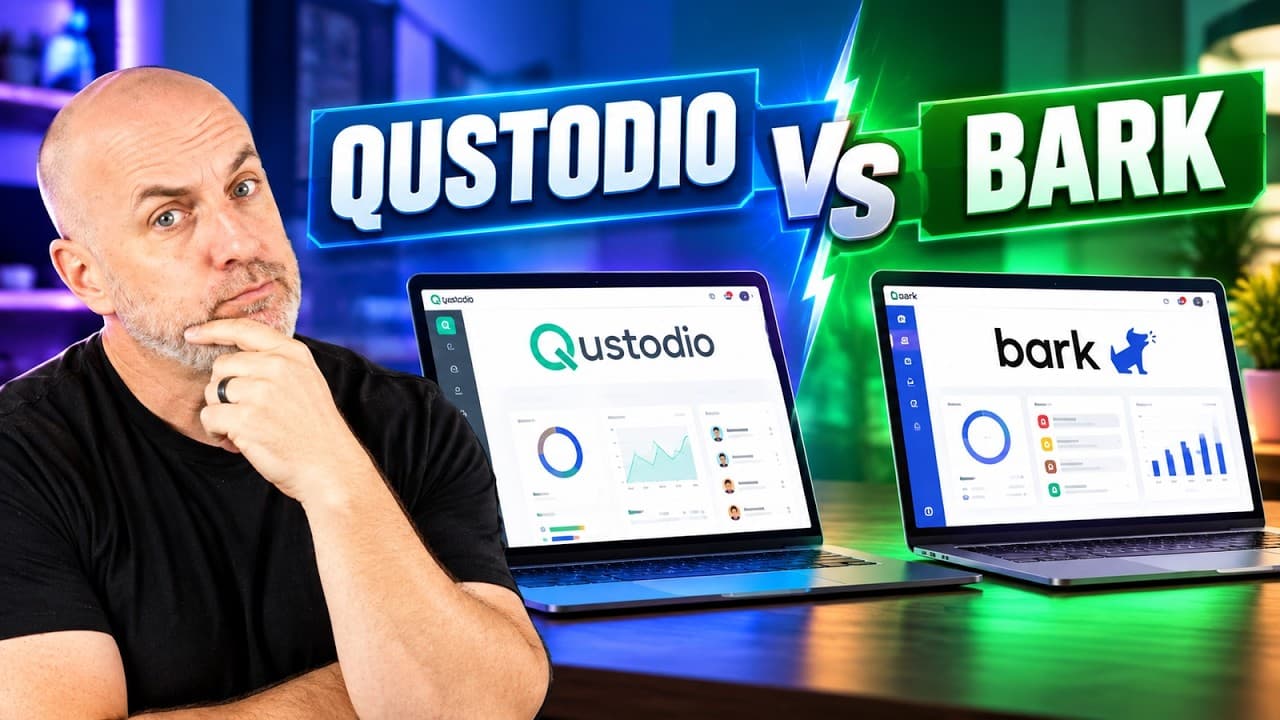
Pick Qustodio for a younger child on Android who needs hard time limits and full visibility on a budget. Pick Bark for a teenager on mixed devices, where the worry is content rather than hours.
- Qustodio's message alerts for Instagram, TikTok, Snapchat and X work only on Android, per its own features page.
- Qustodio has a free tier (one device); Premium Basic about $60/year for 5 devices; Premium Complete about $105/year unlimited.
- Bark has no free tier; the main plan starts about $14/month for unlimited kids and devices, with Bark Junior about $5/month.
- Both can be worked around by a determined kid; no parental control is 100% effective.
Some of these are partner links; they cost you nothing extra. How we earn
On this page10 sections
Qustodio's message alerts for Instagram, TikTok, Snapchat and X only work on Android. That isn't a reviewer's complaint; it's on Qustodio's own features page. If the phone in your house is an iPhone, that one line settles a big chunk of this comparison before anything else.
We went through both companies' setup docs, feature pages and pricing, plus what independent reviewers found running them on real devices. Neither app can do the job that matters most, which is keeping your child willing to come to you when something online scares them, but one of them gets closer to supporting it.
Quick verdict
For most parents asking this, the family with a teen on social media, Bark is the pick: it scans more platforms, doesn't keep a full transcript of your child's life, and matches the alert-and-talk approach the pediatric research supports. Qustodio is the better and cheaper tool for a younger child on Android.
What they have in common
Both are apps you install on your child's devices and manage from one dashboard on your phone. Both filter web content by category, block apps and games, schedule screen time, track location and send alerts, and both support Android and iOS in some form. Both must be installed on every device your child can reach, and both can be worked around by a determined kid. Australia's eSafety Commissioner puts it plainly: no parental control is 100% effective.
The big split: full visibility vs alerts
Qustodio shows you everything: full browsing history, full text history, call logs, contact management and hard total time limits. Safewise calls it a lockdown approach; Forbes editors called it one of the most well-rounded apps for Android after hands-on testing; Cybernews found it holds up against VPNs, blocking around 6,000 iOS apps. If you want a switch that ends screen time at 8:00, Qustodio has it.
Bark works the other way. It reads messages, search history and social accounts and only tells you when something looks concerning; ordinary chatter stays private. It offers screen-time routines but no total time limits, call logs or contact management. On breadth of scanning, Bark is stronger, monitoring email, social media and browsing on more platforms than Qustodio reaches.
On raw control, Qustodio wins outright.
iPhone vs Android
Qustodio's own spec page says calls and messages monitoring on iOS requires a Windows or Mac computer. Wirecutter's editors reported the paid version tended to glitch on iOS, and Qustodio filed an antitrust complaint in the EU against Apple over App Store restrictions on parental control apps. In an Android household it's a powerhouse; on an iPhone it's a partial product.
Bark on Android is a straight app install. On iPhone and iPad, Bark's support docs say monitoring needs a home computer running its desktop app, or Bark Home, or Bark Sync. Without one, parents report monitoring works on home Wi-Fi and goes quiet once the child switches to cellular, and the dashboard simply looks calm. If iPhone coverage is why you're buying, price the hardware in with the subscription.
Bark also asks for a card up front for COPPA age verification (you aren't billed until the trial ends), and parents have reported its kids' app getting glitchy on older Android phones, so test a hand-me-down before building your routine around it.
Data handling
An FTC workshop paper flagged that Qustodio communicated with the Braze SDK, a marketing and analytics kit that isn't supposed to appear in children's apps, and researchers found security vulnerabilities in Qustodio along with other popular parental control apps. Both findings are logged as resolved, and neither is a proven harm to a child. But you're handing the company your child's messages and locations. If data handling is your first concern, Bark's narrower collection model wins by design: it isn't built to store a full transcript.
Age is the deciding question
The American Academy of Pediatrics reviewed the research and found restrictive monitoring of middle and high schoolers was more likely to go with teens describing their own internet use as problematic and hiding what they do online; autonomy-supportive monitoring went with more open talk and less secrecy. In a nationally representative survey of 1,000 parents and 1,000 kids, 89% of children said they'd feel comfortable telling a parent when something online made them feel unsafe. No dashboard beats that channel, and a lockdown app pointed at a 15-year-old is the fastest way to close it.
Pricing
| Qustodio | Bark | |
|---|---|---|
| Free option | Free tier, one device | Trial only |
| Entry plan | Premium Basic, about $60/year, up to 5 devices | Bark Junior, about $5/month |
| Full plan | Premium Complete, about $105/year, unlimited devices, priority phone support | About $14/month, unlimited kids and devices |
| iPhone extra | Needs a computer for calls/messages | Bark Home or Bark Sync on top of the plan |
| Best at | Hard limits and full logs on Android | Cross-platform content scanning |
Qustodio's 30-day money-back guarantee doesn't cover in-app purchases, because those refunds go through Apple or Google. Buy on the web if you want the guarantee to count. Prices are as of recording.
Which to pick
- Get Qustodio if your kids are on Android, they're elementary or early middle school age, and you want hard time limits and full visibility on a budget. The free tier alone is worth a look.
- Get Bark if you have a teenager, mixed devices, and what worries you is content rather than hours.
- Skip Qustodio in an iPhone-only household: its best features are Android-only and its iOS build has drawn glitch reports.
Whichever you pick, install it on every device, including the console, and tell your kids it's there.
Pros and cons
What works
- Qustodio: hard time limits, full logs and contact management, with a free tier.
- Qustodio: holds up against VPNs in testing.
- Bark: wider scanning across platforms, alerts only on concerning content.
- Bark: unlimited kids and devices on one plan.
What doesn't
- Qustodio: key message alerts are Android-only; iOS glitch reports.
- Qustodio: past data-handling and security findings (since resolved).
- Bark: no total time limits, call logs or contact management.
- Bark: iPhone monitoring needs extra hardware or software and can go quiet on cellular.
Frequently asked questions
Is Qustodio or Bark better for iPhone?
Neither is complete on iPhone. Qustodio's social message alerts are Android-only and calls/messages monitoring needs a computer; Bark needs a desktop app, Bark Home or Bark Sync. For a teen on iPhone, Bark is usually the better fit.
Which is cheaper?
Qustodio, clearly. It has a free tier for one device and Premium Basic at about $60 a year. Bark has no free tier; its main plan starts at about $14 a month.
Which is better for a teenager?
Bark, because its alert-only model matches the autonomy-supportive monitoring that pediatric research associates with more open talk and less secrecy.
Can kids get around these apps?
Yes, a determined kid can work around either. Install them on every device and tell your child they're there.
Filed under
More in Parental Control
 ComparisonBark Phone vs Gabb Phone: Which Safe Phone Fits Your Kid?Gabb keeps the internet out entirely; the Bark Phone is a locked-down Samsung Galaxy that supervises it with AI alerts. How they compare on safety, tampering, monitoring, growth and price.
 ReviewBark Phone Review: What It Really Costs Over 24 MonthsThe Bark Phone puts parental controls in the operating system so they can't be uninstalled. Here's how it works, the full 24-month cost, and who should buy it.
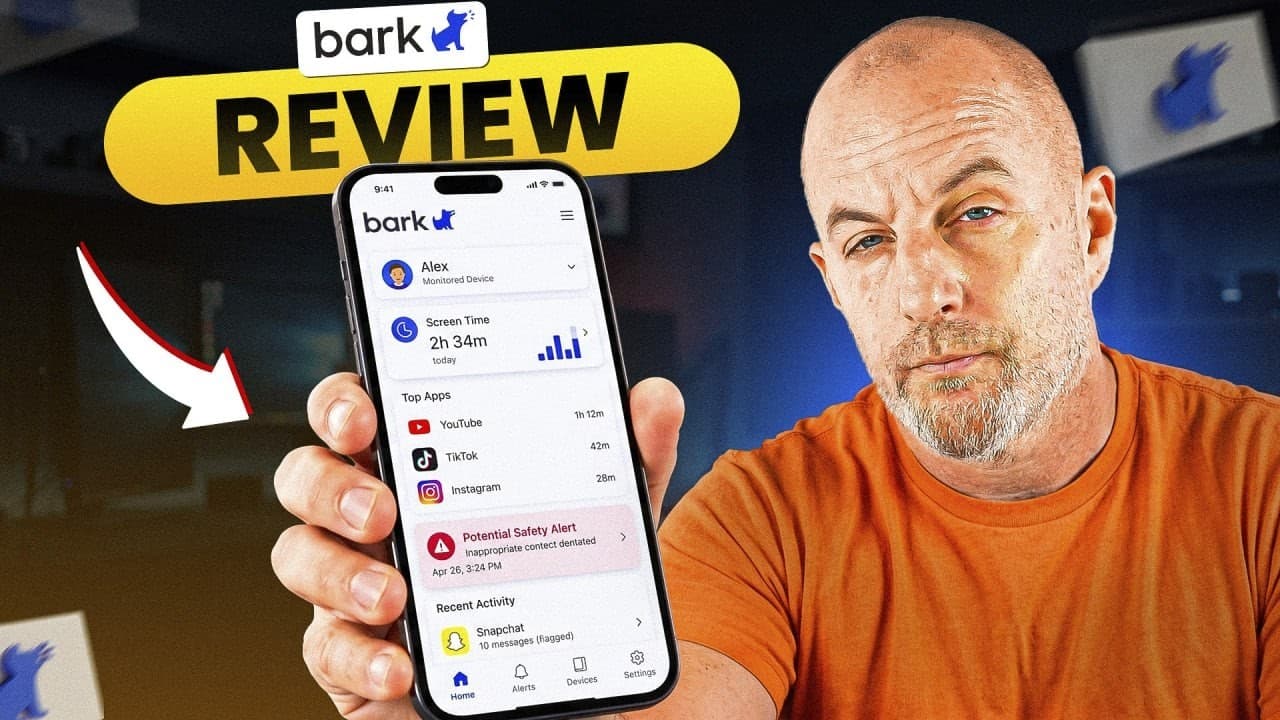 ReviewBark Review: A Parental Control App That Alerts Instead of BlocksHow Bark's alert-based monitoring works, what it costs on Android and iPhone, where it falls short, and which families it suits better than a lockdown app.