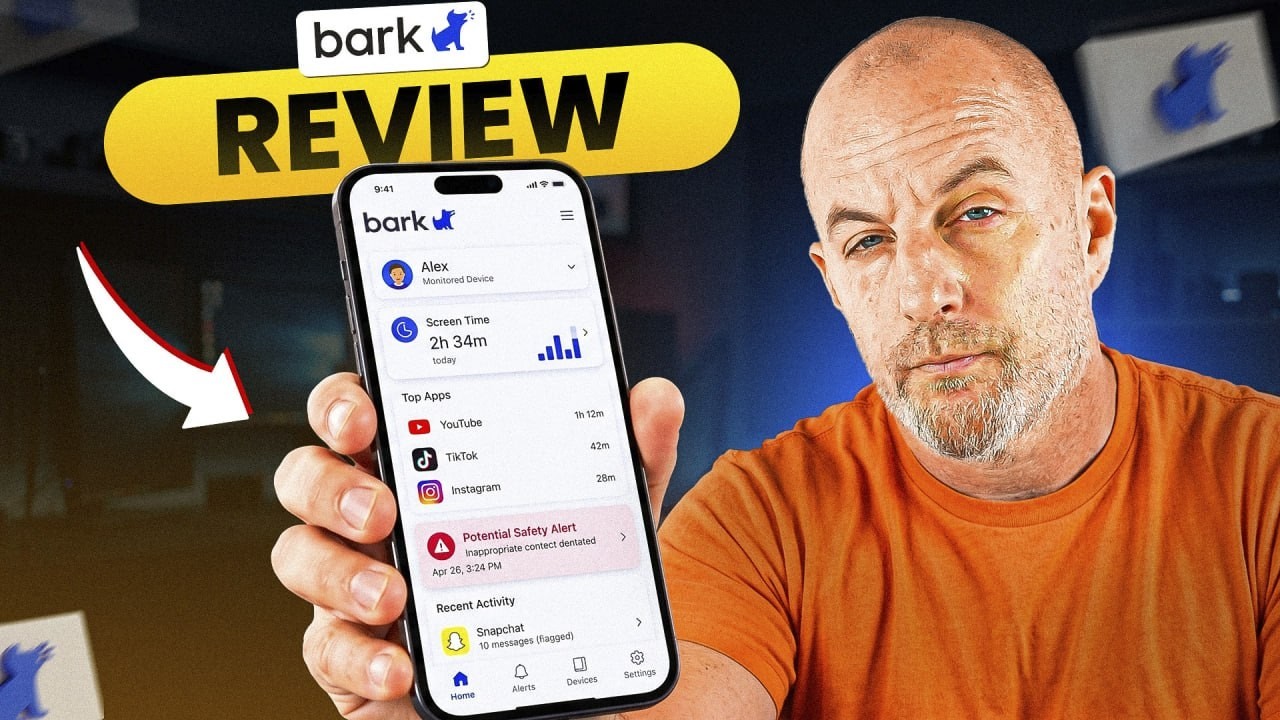
Bark is a monitoring subscription that scans a child's messages, images, web activity and social apps in the background and alerts you when something looks dangerous. It covers unlimited kids and devices, but it doesn't pre-block content or cap daily screen time.
- On Android: $14 a month or $99 a year. On iPhone: $20 a month or $148 a year, including a smart charger accessory.
- One subscription covers unlimited kids and unlimited devices.
- Scans texts, images, video, web activity and DMs across a couple dozen social platforms, plus email and shared document folders.
- Professional reviewers rate it near 4.8/5; Google Play parents rate it about 3.9 across 11,000+ ratings.
Some of these are partner links; they cost you nothing extra. How we earn
On this page8 sections
Your child's weekly screen-time summary says eight hours a day, and what bothers you isn't the number. It's not knowing what happens inside those hours. Parental control software is built for that gap, and Bark is one of the best-known names in it. We went through how it works, what it costs, what independent reviewers found, and the research on what monitoring does for kids.
One rule before any app: whatever you install, your child should know it's there and why. Researchers who study families and screens keep landing on that point. An app a child discovers on their own teaches them something about you, and it isn't the lesson you were going for.
Quick verdict
Bark is a very good warning system and a deliberately weak wall. It suits teenagers whose social lives happen in direct messages, where the worry is what's being said to them rather than how long the phone is on. If you need hard time limits, call logs and contact approval for a younger child, a controller-style app (or the free built-in tools) fits better.
Two kinds of parental control app
These tools split into two families, and picking the wrong family is what wastes money.
- The controller keeps a record and enforces rules: every site visited, every number dialed, who's allowed in the contact list, a bedtime that shuts the phone off. It gives certainty, and works best when a child is young enough that certainty is the point.
- The watcher sits on the child's device and reads messages, DMs, email, images and web activity in the background. It isn't building a transcript; it's looking for patterns like bullying, self-harm, drugs, sexual content and predatory contact, and alerts you when something matches. The ordinary group-chat drama never reaches you.
Because a watcher alerts after the content exists, treat it as a warning system rather than a block. In exchange, your teenager keeps a private life and you only step in when there's a reason to. If you're dealing with a genuine mental-health or safety situation, the software belongs next to a pediatrician or counselor, not instead of one.
What Bark costs
| Platform | Monthly | Yearly | Note |
|---|---|---|---|
| Android | $14 | $99 | App only |
| iPhone | $20 | $148 | iOS scanning runs through a smart charger accessory (about $6 of the price) |
Across the category, plan on roughly $5–$20 a month depending on tier and phone, with annual plans usually knocking several months off: a $20-a-month plan is $240 a year, while the same plan bought annually tends to land closer to $150. Most trials want a card up front, so note the day it converts.
Platform drives price more than features. Android lets monitoring apps reach deep into messaging and social apps; Apple's privacy rules don't, so on iPhones these tools cover less, cost more or need extra hardware. Check what your child's phone gets before you compare prices.
Where Bark gives ground
- It doesn't pre-block. In hands-on testing an objectionable YouTube video played through, and the alert reached the parent afterwards.
- No full browsing history. You get alerts, not a record of every site.
- The app alone can't cap total daily time or manage the contact list.
- Ratings split. Professional reviewers put it near 4.8/5; parents on Google Play put it around 3.9 across more than 11,000 ratings. Reviewers score how much it can see; parents score setup and daily life, which takes work, especially on iPhone.
One limitation applies to the whole category: independent testers have shown a savvy teenager can install a different browser and slip past app-based monitoring. That's another reason to tell your child the app is there. The version that survives a smart 15-year-old is the one they agreed to.
Who should get it, and who shouldn't
Get Bark if you have a teenager whose social life happens in DMs and you'd rather be told when something is wrong than hold a record of everything. That's closer to the autonomy-supporting style the research favors: in one study of nearly 1,000 kids aged 10 to 18, restrictive monitoring of teens tracked with more hiding and conflict, while monitoring that granted some autonomy tracked with kids who actually talked about what happened online.
Go controller-style instead if your child is in elementary or early middle school and you need hard time limits, call logs and contact approval, or if a full account of every site and message is the only thing that would settle you.
Try the free tools first if Apple Screen Time or Google Family Link already cover what you need for a younger child: time limits, app approvals and basic content filtering cost nothing. A paid tool earns its price when you need message-level awareness those tools don't provide.
Pros and cons
What works
- Unusually wide scanning across social apps, email and shared documents.
- Unlimited kids and devices on one subscription.
- Alerts only on concerning content, so teens keep ordinary privacy.
What doesn't
- Doesn't block content before it's seen.
- No full browsing history, total daily time cap or contact management in the app alone.
- iPhone needs a smart charger and costs more; setup takes work.
- Like all app-based monitoring, a determined teen can work around it.
Frequently asked questions
How much does Bark cost?
At the time of review, $14 a month or $99 a year on Android, and $20 a month or $148 a year on iPhone, which includes a smart charger accessory for iOS scanning.
Does Bark block websites and apps?
Its core model is alerting, not blocking. In testing, an objectionable video played and the alert came afterwards. The app alone also can't cap total daily screen time.
Should my child know Bark is installed?
Yes. Researchers consistently find that telling kids the app is there, and why, works better than hidden monitoring, and app-based monitoring can be worked around anyway.
Are the free built-in tools enough?
For a younger child, Apple Screen Time and Google Family Link may cover time limits, app approvals and basic filtering for free. Bark earns its price when you need message-level alerts.
Filed under
More in Parental Control
 ComparisonBark Phone vs Gabb Phone: Which Safe Phone Fits Your Kid?Gabb keeps the internet out entirely; the Bark Phone is a locked-down Samsung Galaxy that supervises it with AI alerts. How they compare on safety, tampering, monitoring, growth and price.
 ReviewBark Phone Review: What It Really Costs Over 24 MonthsThe Bark Phone puts parental controls in the operating system so they can't be uninstalled. Here's how it works, the full 24-month cost, and who should buy it.
 ComparisonQustodio vs Bark: Which Parental Control App Fits Your Family?Qustodio shows you everything; Bark only tells you when something looks wrong. How they compare on control, iPhone support, privacy, price and age.