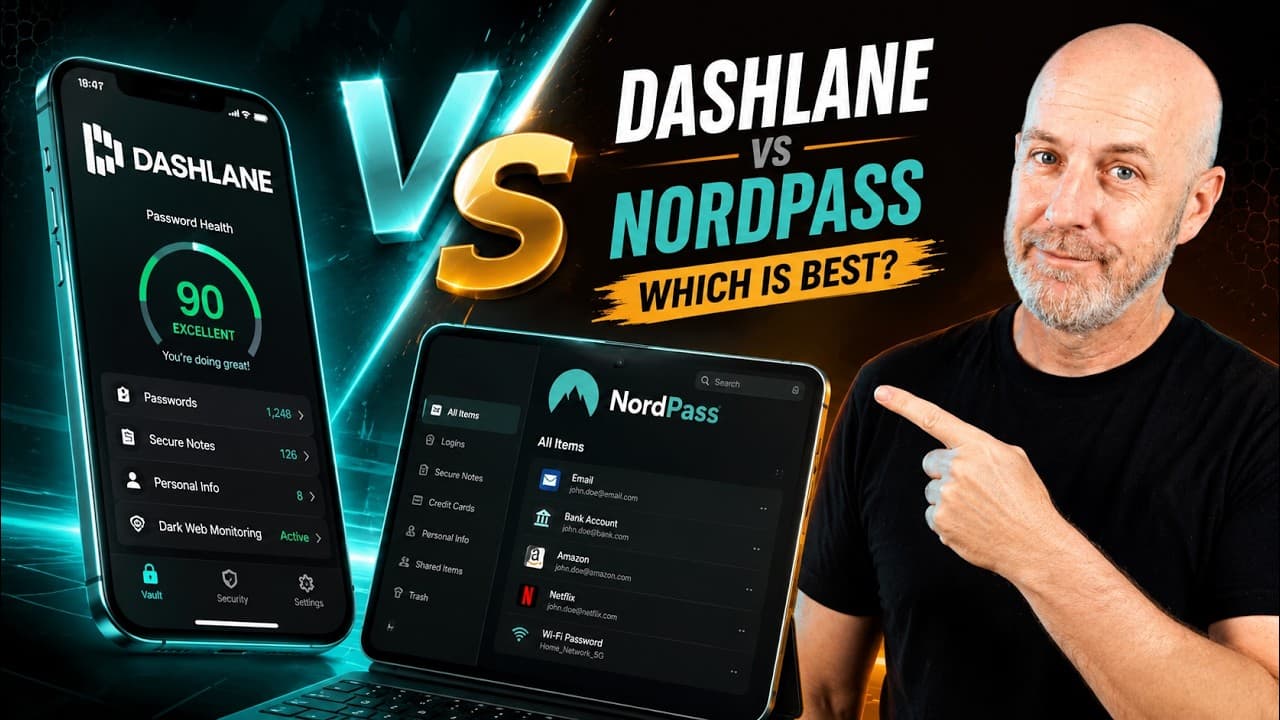
Pick NordPass if you want a simple, low-cost password manager with a free tier, email masking and a built-in authenticator. Pick Dashlane if you want AI phishing protection and heavier business controls and do not mind paying more.
- Both use zero-knowledge encryption: your vault is encrypted on your device before it reaches the cloud.
- Dashlane uses AES-256 with Argon2; NordPass uses XChaCha20 with Argon2id.
- Dashlane has dropped its free plan; NordPass still has one.
- Approximate prices as of the video: Dashlane about $60/year personal and $90/year family (up to 10 people); NordPass about $36/year.
Some of these are partner links; they cost you nothing extra. How we earn
On this page11 sections
Most account takeovers do not come from someone cracking strong encryption. They come from a reused password, a fake login page or credentials saved somewhere unsafe. A password manager fixes that by letting you remember one master password while the app generates and fills the rest.
Dashlane and NordPass are two of the biggest names doing this, and in the video Consumer Research Studios compares how each one protects your data, what extras it adds, and what it costs. Both are secure; the video's point is that they take different paths. Dashlane positions itself as an active security platform, while NordPass bets on speed, simplicity and a lower price.
Quick verdict
For most individuals and households, NordPass is the better value: it covers the essentials, adds email masking and a built-in authenticator, keeps a free tier, and its paid plan costs roughly half of Dashlane's as of the video. Dashlane is the pick if you want real-time phishing protection or you run IT for a larger company that needs a threat dashboard and tighter controls.
Who should skip each one
Skip Dashlane if you are on a tight budget or just want to try a password manager first. According to the video, Dashlane has dropped its free plan, its personal plan is about $60 a year, and its business pricing of about $8 per user per month is aimed at bigger companies.
Skip NordPass if phishing is your biggest worry and you want the password manager itself to warn you about fake sites as you browse. The video presents that AI scam protection as a Dashlane strength and does not describe an equivalent in NordPass.
What they have in common
Both use a zero-knowledge model, meaning your vault is encrypted on your device before it is synced, so the company cannot read your passwords or see your master password. Both, according to the video, are checked by outside security experts, support convenient sign-in options, and warn you when your data shows up on the dark web. Both work for individuals and businesses. Either one, the video says, is a big step up from saving passwords in your browser, a spreadsheet or a notebook.
Security model and encryption
Dashlane encrypts your vault with AES-256, the standard widely used by governments and large companies, and turns your master password into a key using Argon2, a password hardening method designed to make guessing very expensive. When you share a password, Dashlane switches to public key cryptography so only the recipient can open it. Dashlane also says it follows the same internal rules it recommends to customers: extra login steps, tight system access, constant threat monitoring and paying researchers to find bugs.
NordPass, from Nord Security, the team behind NordVPN, uses XChaCha20 instead of AES-256. The video explains that it is a newer cipher built to be fast while staying secure, and that it runs well on phones and tablets that lack dedicated AES hardware. Keys are protected with Argon2id, and sharing between users is also encrypted. In short, the encryption choices differ, but the video does not suggest either one is weaker.
Features head to head
Dashlane's headline feature is its AI-powered scam protection. Rather than checking a simple list of known bad sites, it looks at many details on each page, such as unusual links or hidden elements, to catch phishing in real time. That scanning happens on your device, so your browsing history stays private. Businesses get a dashboard showing whether employees are being targeted.
NordPass covers the expected basics: a password generator, autofill, password health reports, dark web scanning, secure notes and encrypted file storage. It adds two extras that the video highlights. Email masking creates disposable addresses that forward to your real inbox, so you can kill one if a site starts spamming you or gets breached. A built-in authenticator generates one-time login codes inside your vault, so you do not need a separate 2FA app.
| Dashlane | NordPass | |
|---|---|---|
| Encryption | AES-256, Argon2 | XChaCha20, Argon2id |
| Zero-knowledge | Yes | Yes |
| Phishing protection | AI scam detection, on device | Not described in the video |
| Dark web alerts | Yes | Yes |
| Email masking | Not described in the video | Yes |
| Built-in authenticator | Not described in the video | Yes |
| Free plan | No | Yes |
| Personal price | About $60/year | About $36/year |
| Business price | About $8/user/month | From about $2 to $4/user/month |
Prices are approximate and as of the video.
Business and team use
Both scale to companies, but in different directions. Dashlane is built for larger organizations that want active threat hunting, phishing visibility and heavy-duty admin controls. NordPass's admin dashboard lets companies set password rules, require extra login steps, track team activity and connect to Okta, Google Workspace and Microsoft Entra ID. Shared folders make it easy to pass logins between teams, and it can feed security tools to flag unusual activity. With plans starting around $2 to $4 per user per month, the video says it suits startups and growing teams as well as large ones.
Pricing and family plans
Dashlane focuses on paid plans now. Its personal plan is about $60 a year, roughly $5 a month, and the family plan is about $90 a year for up to 10 people. NordPass keeps a free version for the basics, and its paid plan is much cheaper at about $36 a year, or under $2 a month if you commit to a multi-year term. The video does not give a NordPass family price. All figures are approximate and as of the video; promotions change often, so check before you buy.
Neither service's app and browser support is covered in detail in the video, so confirm your devices and browsers are supported on the company's site before you move your passwords.
Ease of use
The video describes NordPass's whole idea as keeping security close to invisible: if an app is easy, people actually use it. That focus on simplicity is presented as the reason it is growing quickly. Dashlane's extra layers, like real-time phishing checks, are more about doing more for you in the background than about a simpler interface. If you are setting this up for less technical family members, NordPass's simpler approach is the safer bet.
Which to pick
- Get NordPass if you want the lowest cost, a free tier to start with, email masking, built-in 2FA codes and a clean, simple app. It is also a flexible choice for small and growing teams.
- Get Dashlane if you want advanced phishing defense while you browse, a family plan that covers up to 10 people, or business-grade controls for a larger company.
- Either way, moving off reused passwords is what makes the biggest difference.
Pros and cons
What works
- Dashlane: AI phishing protection that runs on your device.
- Dashlane: family plan covers up to 10 people for about $90 a year.
- NordPass: free tier and a paid plan around $36 a year.
- NordPass: email masking and a built-in authenticator.
- NordPass: integrates with Okta, Google Workspace and Microsoft Entra ID.
What doesn't
- Dashlane: no free plan and higher prices.
- Dashlane: business pricing aimed at larger companies.
- NordPass: no phishing protection described in the video.
- NordPass: family pricing not given in the video.
Frequently asked questions
Is NordPass as secure as Dashlane?
Both use zero-knowledge encryption and are checked by outside experts, according to the video. Dashlane uses AES-256 with Argon2; NordPass uses XChaCha20 with Argon2id. The difference is approach, not safety.
Does Dashlane have a free plan?
Not anymore, according to the video. Dashlane focuses on paid plans, starting at about $60 a year. NordPass still offers a free version.
Which is cheaper, Dashlane or NordPass?
NordPass. Its paid plan is about $36 a year, under $2 a month on a multi-year term, versus about $60 a year for Dashlane's personal plan. Prices are approximate and as of the video.
Which is better for a family?
Dashlane's family plan is about $90 a year for up to 10 people, which the video spells out. The video does not give NordPass family pricing, so compare current plans if you need to cover several people.
Can NordPass replace my authenticator app?
It can generate one-time login codes inside your vault, so you may not need a separate authenticator app. Some people prefer keeping 2FA codes separate from passwords, which is a personal choice.
Stolen logins are one of the easiest ways into an account, which makes a password manager close to essential. Dashlane is the fuller security platform, built around stopping phishing and giving companies more control. NordPass is the simpler, cheaper one, with handy privacy extras. Pick the one that matches your budget and how much you want the app doing in the background, and then actually use it.
Filed under
More in Privacy & Security
 ComparisonCloaked vs Incogni vs DeleteMe: Which Privacy Service to Pick?Cloaked stops your real email and number from spreading, Incogni quietly sends removal requests to hundreds of data brokers, and DeleteMe shows you exactly what it removed.
 ComparisonAura vs LifeLock: Which Identity Protection Service Fits You?Aura bundles identity monitoring with antivirus, a VPN and parental controls in one flat-priced plan. LifeLock leans on financial monitoring and bigger reimbursement limits on its top tiers.